Skip to content
Forge Protocol
Services
  • Forge Websites
  • Forge Automations
  • Forge Dashboards
  • Forge Consult
Demo SystemsAI MasterclassResourcesAboutContact
Book a discovery call
Enquire
Forge Protocol

From operational mess to forged systems.

LinkedIn faris@forgeprotocol.co.uk

Global lines

UK / EU: +44 7436 352521 (WhatsApp)Singapore: +65 9794 2604 (WhatsApp)

United Kingdom

Company

  • Resources
  • About
  • Demo Systems
  • AI Masterclass
  • Contact

Services

  • Forge Websites
  • Forge Automations
  • Forge Dashboards
  • Forge Consult

Legal

  • Privacy Policy
  • Cookie Notice

© 2026 Forge Protocol Ltd · Company no. 16347370. Built for growing businesses across the UK.

Powered by ForgeOS

Cookie preferences

Forge uses essential cookies to run the website. Optional analytics only loads if you accept it. Read the cookie notice.

Forge resources

Put a useful idea to work.

Explore practical guides on AI, automation and how work gets done. Choose a question you’re working through and start there.

Join Forge Learn — free →Preview a guide first

Create your free account. Confirm your email, then keep learning on this browser.

Read now

Start with a guide

Preview a guide on Forge Learn, then join free to read the full article.

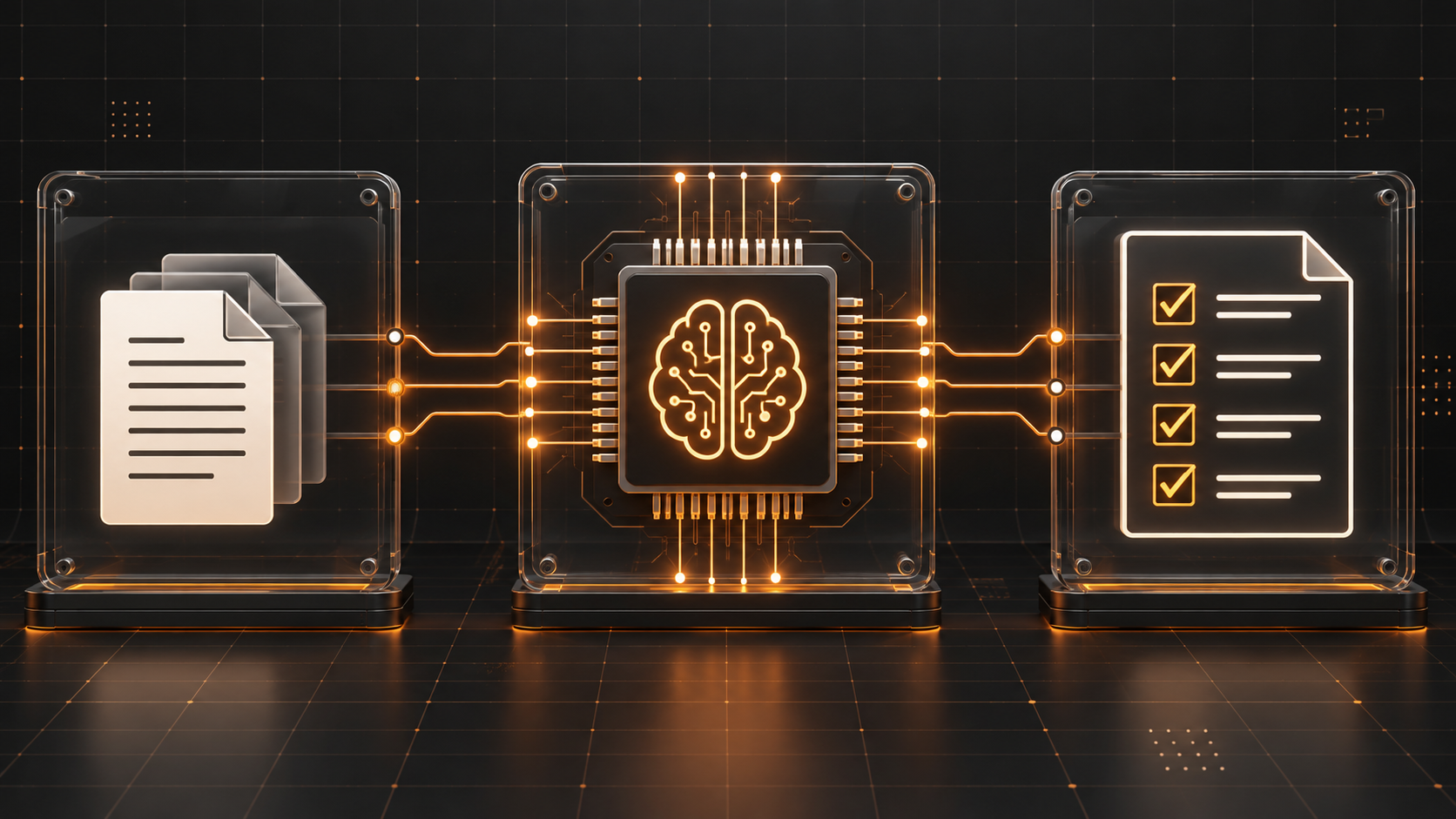
A document input connects through an AI processor to a checked task list, with copper circuit paths.
Workflows / Forge Learn

A better workflow starts with one small task.

Find the repetitive work worth changing. Then make the first step a little easier.

Preview the guide ↗
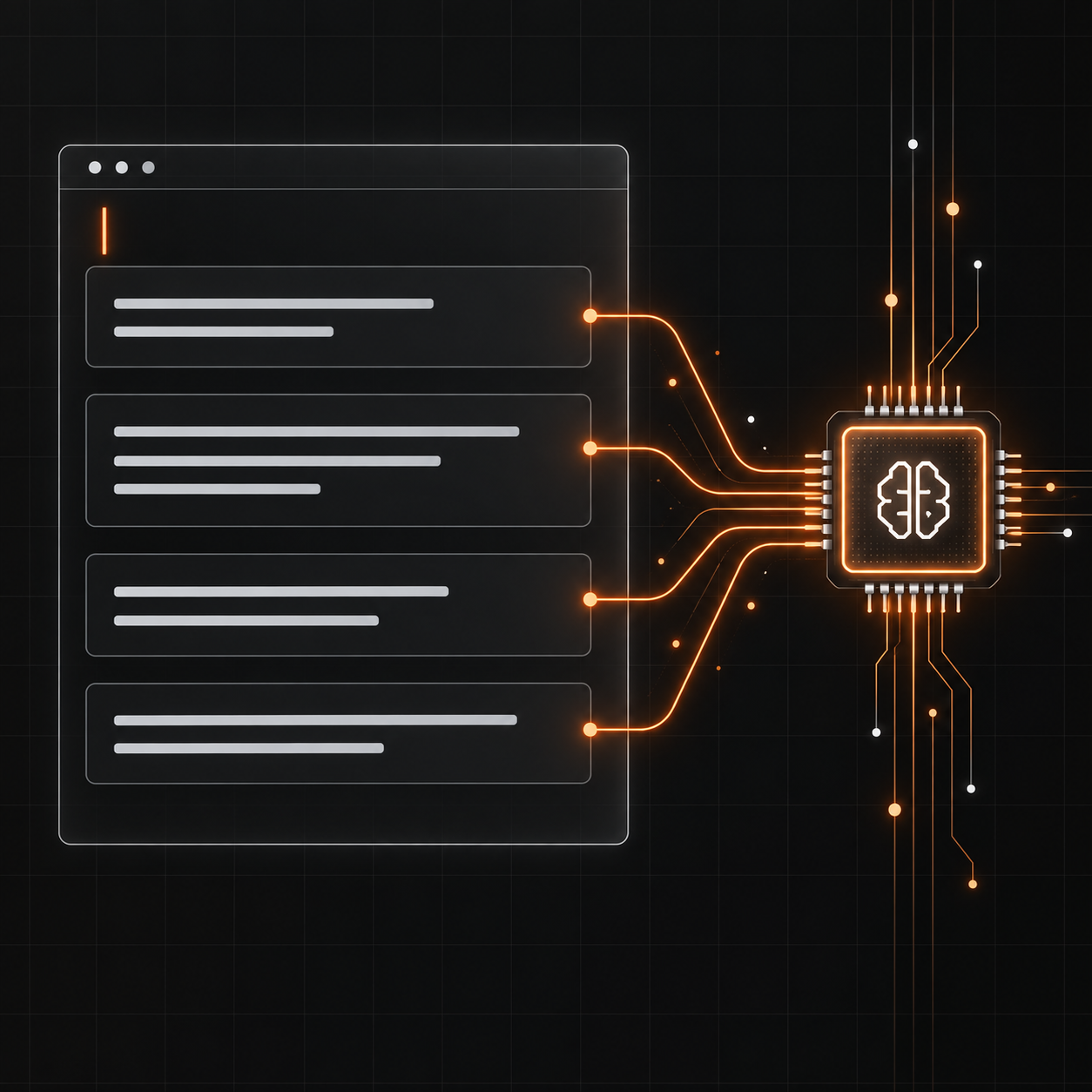
A structured prompt panel sends instructions to an AI processor.
AI basics / Forge Learn

Give AI a clearer brief.

A simple way to explain the task, the context and what a useful answer looks like.

Preview the guide ↗
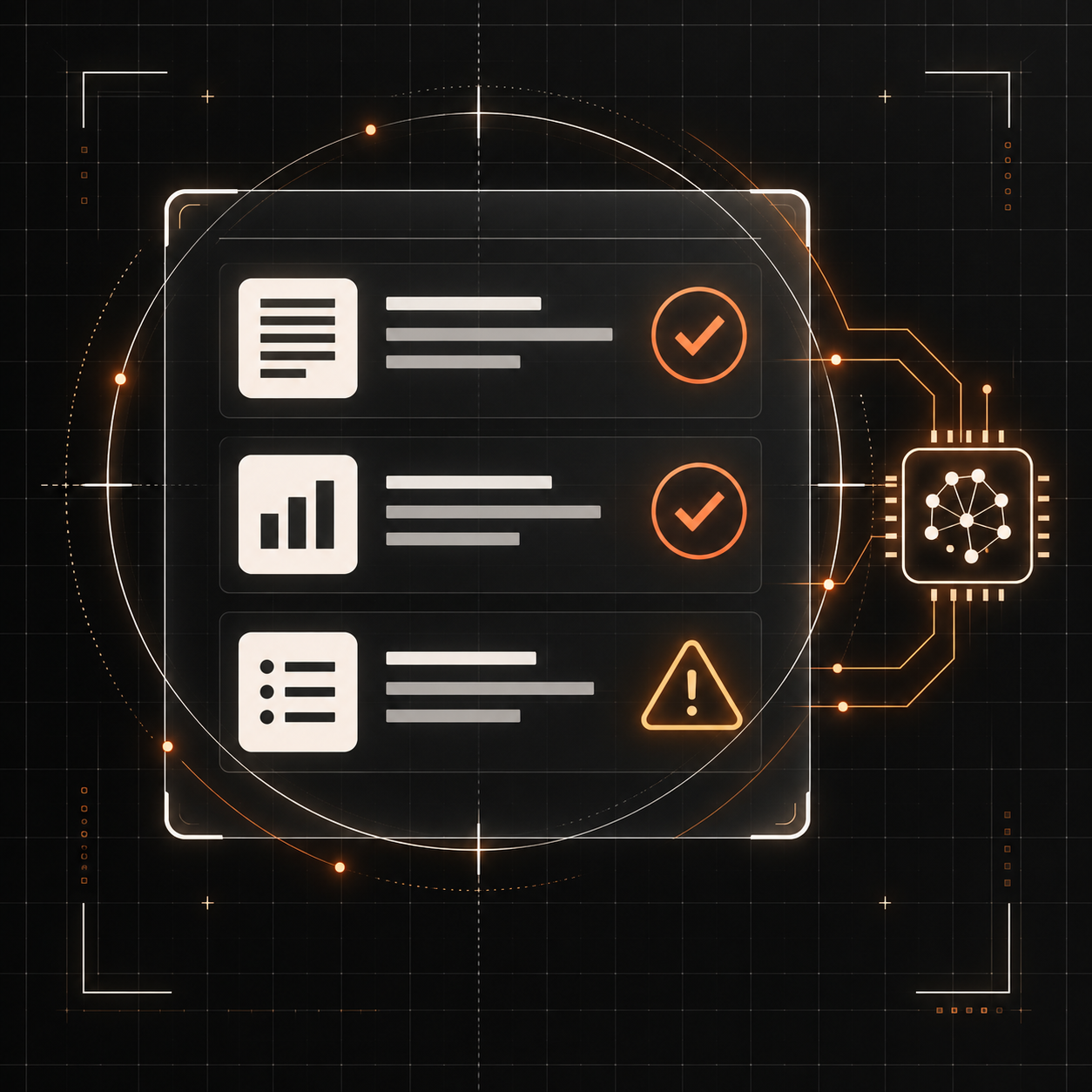
A scan reticle reviews AI output with verification ticks and a warning marker.
AI basics / Forge Learn

A useful answer still needs a second look.

What to check before an AI draft becomes something you share or act on.

Preview the guide ↗
Document input, AI processing and reviewed output connected in a workflow.
Workflows / Forge Learn

Map the work before you automate it.

Put the input, steps and review point on one page.

Preview the guide ↗
Your next step

Keep learning with Forge Learn.

Found something useful? Forge Learn brings our resources together in one place, with more practical guides, editable resources and worked examples to follow.

Join free with your name and email. We’ll send a verification link, then remember you on this browser. The newsletter is optional.

Join Forge Learn — free →